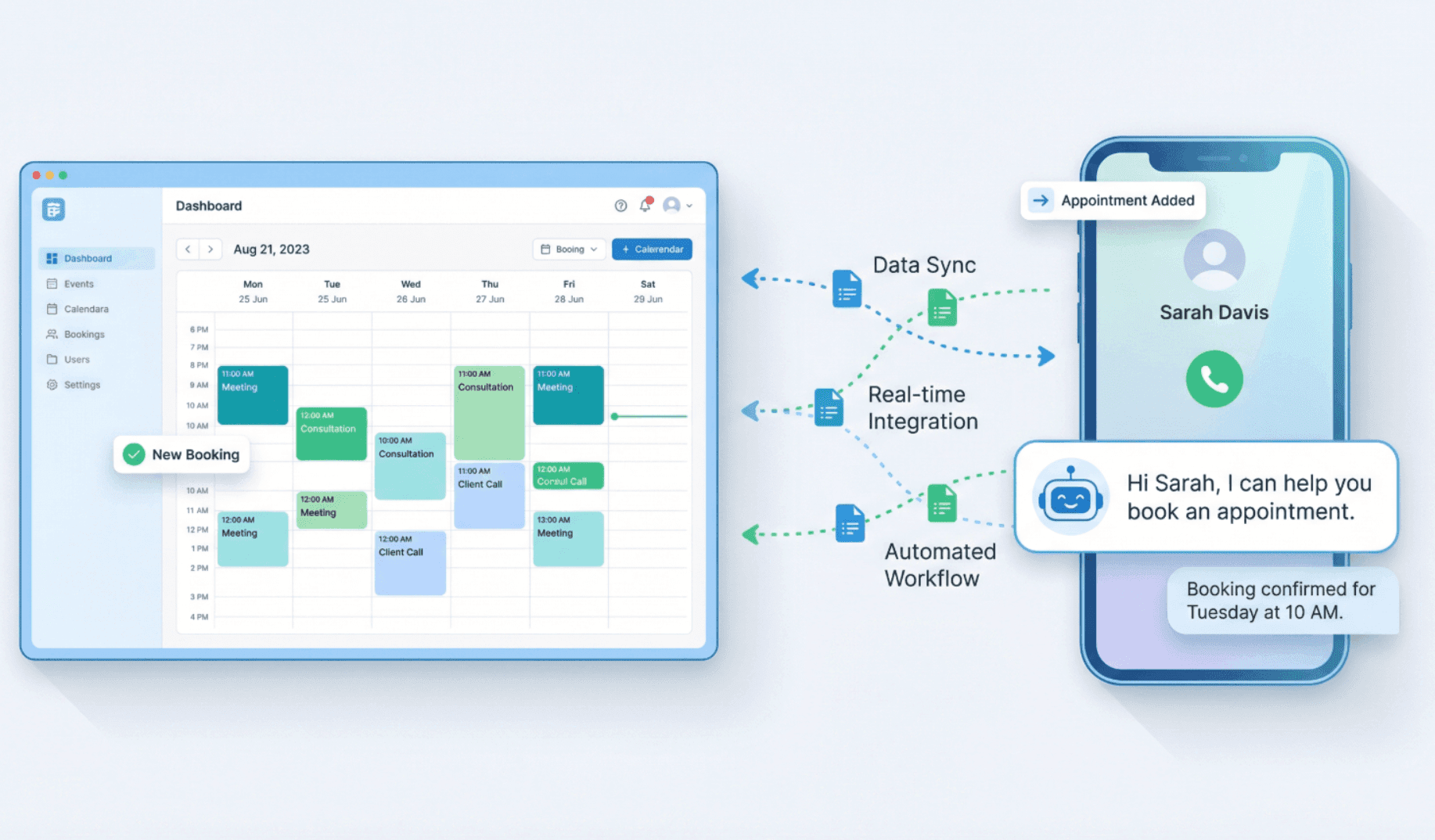
Managing appointments is one of those things that sounds simple until you're actually doing it. You've got customers calling, emails coming in, and somehow you're supposed to keep track of who's booked when. If you're running a salon, a real estate business, a home services company, or a law firm, you know exactly what we mean.
Appointment scheduling software has become a must-have for small businesses. But with so many options available, the challenge is figuring out which one actually works for your business.
We'll walk through the top scheduling apps that small businesses are using right now, and how these tools work even better when paired with call handling solutions, so bookings don’t stop when customers prefer to pick up the phone.
Why you need an appointment scheduling app
Every missed call or scheduling error translates directly into lost revenue. The constant back and forth to book a single meeting drains precious hours we could spend serving customers or growing our business.
Research shows that automated appointment reminders can reduce no-shows by 15 to 40% for most small businesses. Some dental and healthcare practices using aggressive multi-channel reminder strategies have reported reductions of up to 90%. That's not just fewer empty slots on your calendar; it's real money back in your pocket.
What to look for in a scheduling app
Before diving into specific tools, it helps to focus on what actually matters. A good scheduling app should make it easy to manage your calendar, automate confirmations and reminders, and integrate smoothly with phone, email, SMS, and other systems you already use.
Most importantly, it should offer a simple, intuitive experience for your customers, so booking an appointment never feels like extra work.
Your calendar needs to stay in sync
Pick an app that works with the calendars you already use (Google Calendar, Outlook, iCloud, whatever). You don't want to be managing appointments in two different places. A good app will keep everything synced so you can see all your bookings in one spot, and you won't accidentally double-book anyone.
Reminders that actually reduce no-shows
No-shows hurt. A customer doesn't show up, and you've lost that time and money. The best scheduling apps send automatic reminders via email or text before appointments. Some even get fancy and try to predict which customers might not show up so you can follow up with them.
Payment processing built right in
If you're collecting money from customers, you want to do it smoothly. An app with integrated payment processing saves you from chasing people down later and reduces the chance of losing money to cancellations.
Looks like your business
Your customers should see something that feels like your brand when they book. That means being able to customize how it looks, what information you ask for, and how the whole experience flows. A generic booking page doesn't build trust the way a branded one does.
Easy to use for you and your customers
A scheduling app should be easy to use on both sides. You need to be able to manage availability, make changes, and check bookings quickly without digging through settings. At the same time, customers should be able to book an appointment in a few simple steps, without creating an account or getting confused by unnecessary options.
Plays nice with your other tools
You probably use other software to run your business. A good scheduling app should connect with your CRM, email marketing tools, or call handling software. You don't want to be manually moving information between different systems.
Our top picks for 2026
We’ve evaluated the leading options to provide clear recommendations based on distinct business needs, ease of use, flexibility, and how well they fit the needs of small businesses, helping you cut through the noise and find the right fit.
These tools cover a range of use cases, from simple self-serve booking to more advanced scheduling for growing teams. We’ve also highlighted where each platform works best, so you can quickly compare options before diving into the details.
App | Best For | Starting Price | Key Strength |
Google Calendar | Solo operators or small teams | Free | Easy to use and integrates with most platforms |
Calendly | Consultants, meeting based businesses | $12-$15/user/month (free tier available) | Simple setup, excellent team features |
Square Appointments | Salons, service businesses | Free for solo users | Built-in payment processing |
Acuity Scheduling | Service businesses needing advanced intake | ~$16/month | Custom workflows, client packages |
Setmore | Budget-conscious small teams | Free plan available; paid from $5/month | Generous free tier |
SimplyBook.me | International businesses | From ~$9/month | Multi-language, custom branding |
7 best appointment scheduling apps (full breakdown)
1. Google Calendar
⭐️ Best for: Simple scheduling and internal organisation
💸 Price: Free
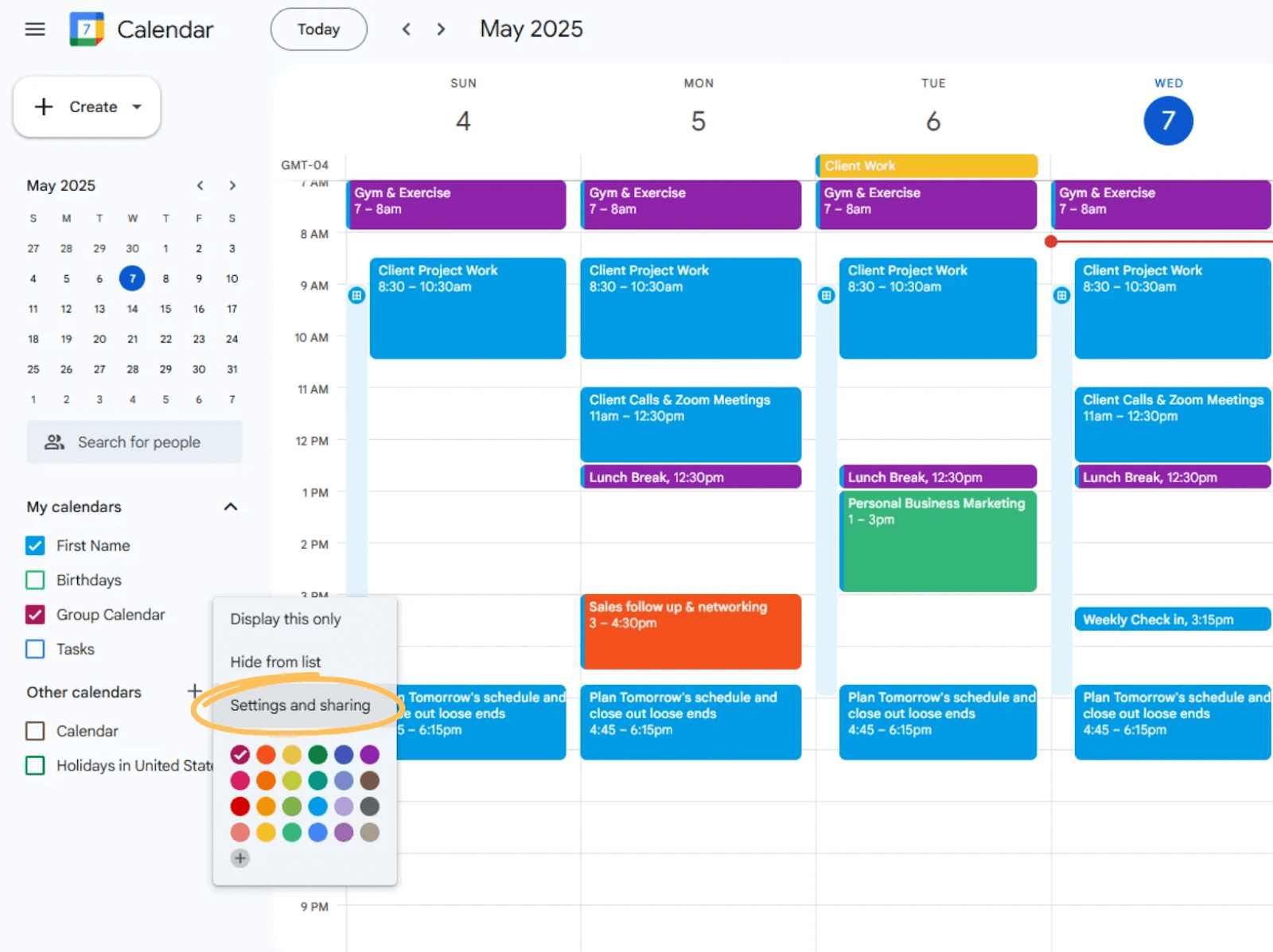
Google Calendar isn’t a scheduling app in the traditional sense, but it’s the foundation many businesses rely on. It’s easy to use, widely adopted, and integrates with almost every scheduling and booking tool on the market.
Strengths
Free and easy to use
Ideal for internal scheduling and availability tracking
Integrates with most booking platforms and automation tools
Limitations
Not designed for customer-facing booking on its own
Requires add-ons or integrations for automation
🤝 Good fit if: You’re a sole trader or small team that wants a reliable calendar foundation and plans to layer scheduling or automation tools on top.
2. Calendly
⭐️ Best for: Consultants, professionals, and meeting-based businesses
💸 Price: Free tier available; paid plans typically $12–$15 per user/month
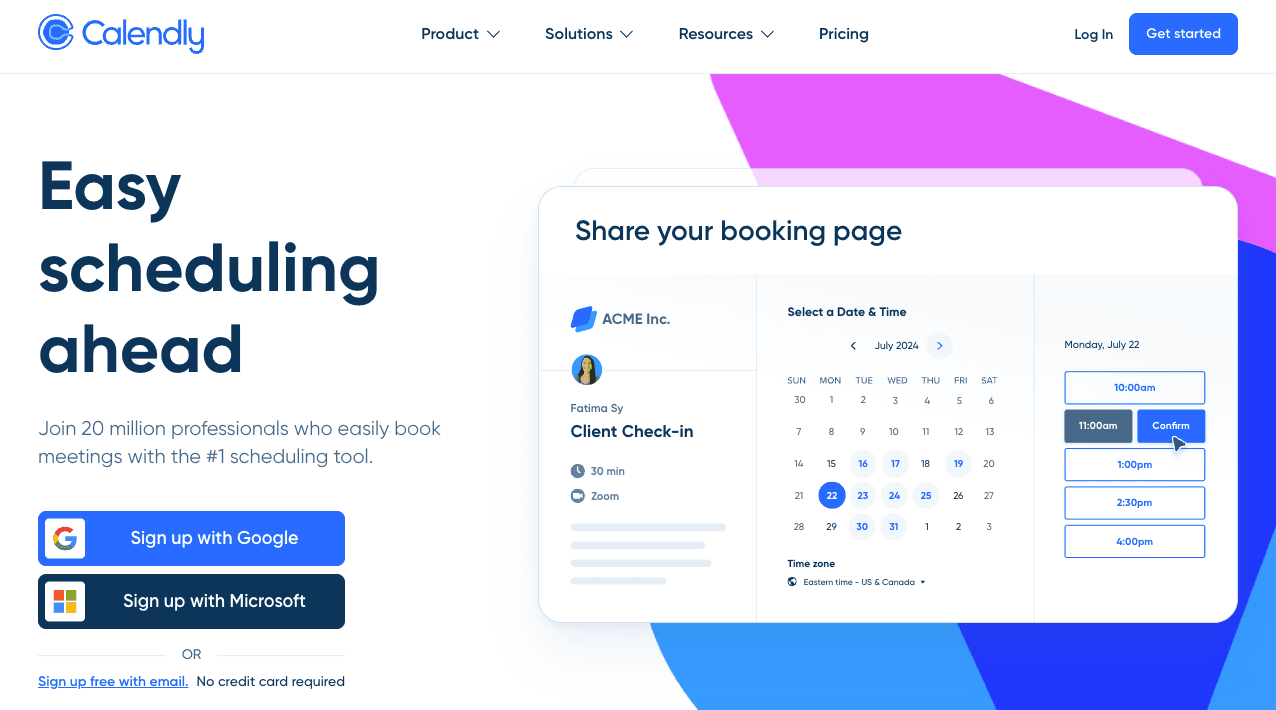
Calendly is probably the most well-known scheduling app out there. It's simple to set up, connects with pretty much every calendar system out there, and it works for everything from one-on-one meetings to group sessions.
Strengths
Clean, intuitive booking experience
Automated confirmations and reminders
Strong support for one-on-one and group scheduling
Good team features on paid plans
Limitations
Primarily designed for self-serve online booking
Less flexible for complex or urgent appointment scenarios
🤝 Good fit if: Your business revolves around scheduled calls or meetings and most customers are comfortable booking online.
3. Appointlet
⭐️ Best for: Small teams and service-based businesses
💸 Price: Free tier available; paid plans from around $8–$12/month
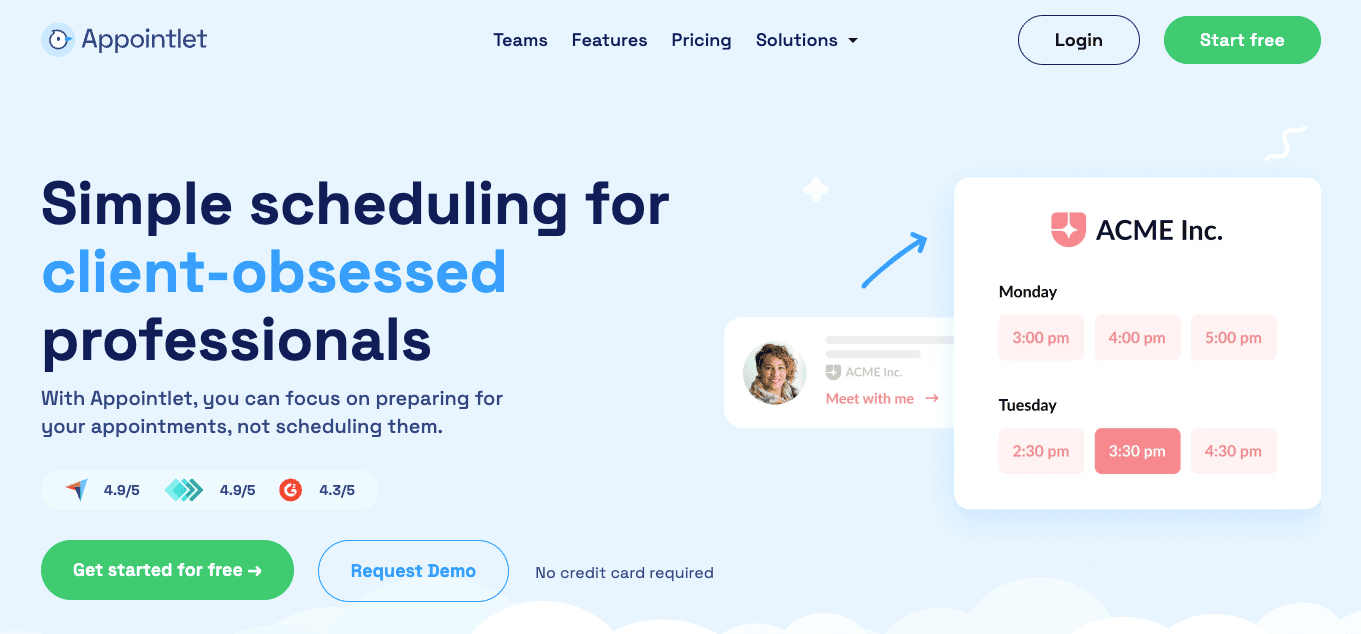
Appointlet offers more flexibility than basic scheduling tools without the complexity of enterprise platforms. It’s a solid option for growing teams that need shared availability and custom booking pages.
Strengths
Supports multiple calendars and team scheduling
Custom booking pages
Free tier suitable for smaller operations
Limitations
Relies heavily on customers completing bookings themselves
Limited phone-first or conversational booking workflows
🤝 Good fit if: You’re growing beyond a solo setup and want more control over team availability without a steep learning curve.
4. Acuity Scheduling
⭐️ Best for: Service businesses with varied appointment types
💸 Price: Around $16/month depending on features
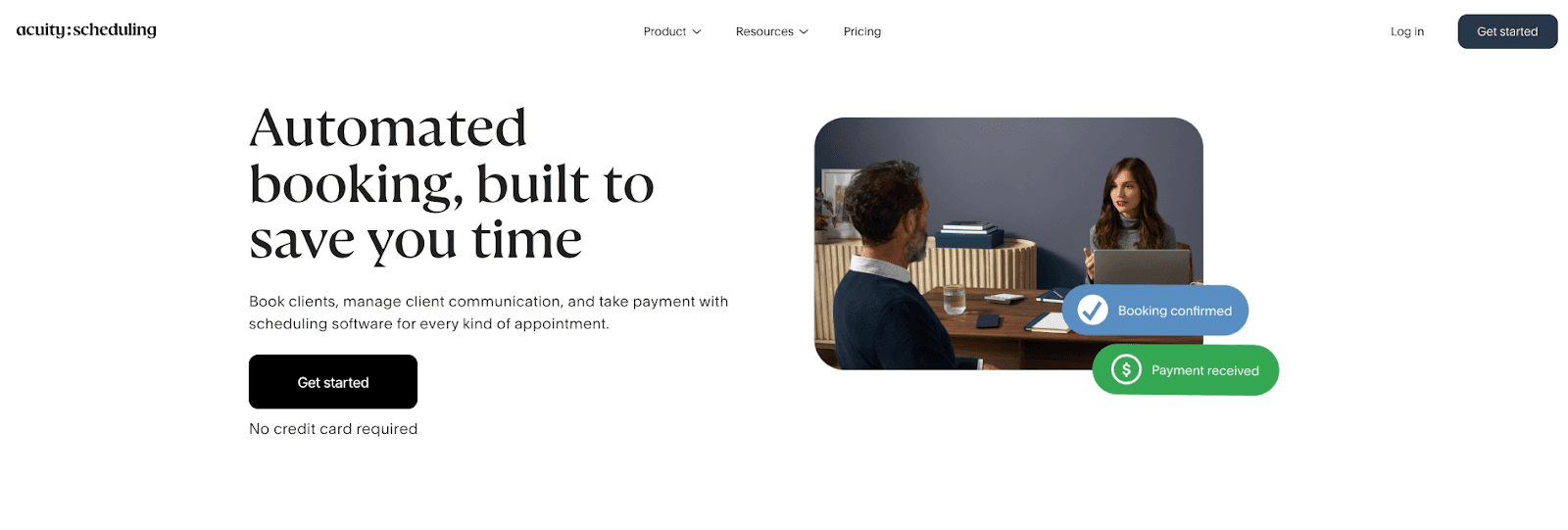
Acuity is designed for businesses that offer multiple services, appointment lengths, and pricing options. It's built for people who need more control and is especially useful when bookings require more structure or intake like custom intake forms or the ability to sell packages and subscriptions.
Strengths
Strong customisation and intake forms
Supports packages, memberships, and payments
Well suited for multi-service businesses
Limitations
Can feel complex for simple scheduling needs
Still largely focused on online self-booking
🤝 Good fit if: You offer different services or need detailed booking rules and customer intake before appointments.
5. Setmore
⭐️ Best for: Salons, clinics, and appointment-heavy businesses
💸 Price: Free plan available; paid plans from $5/month
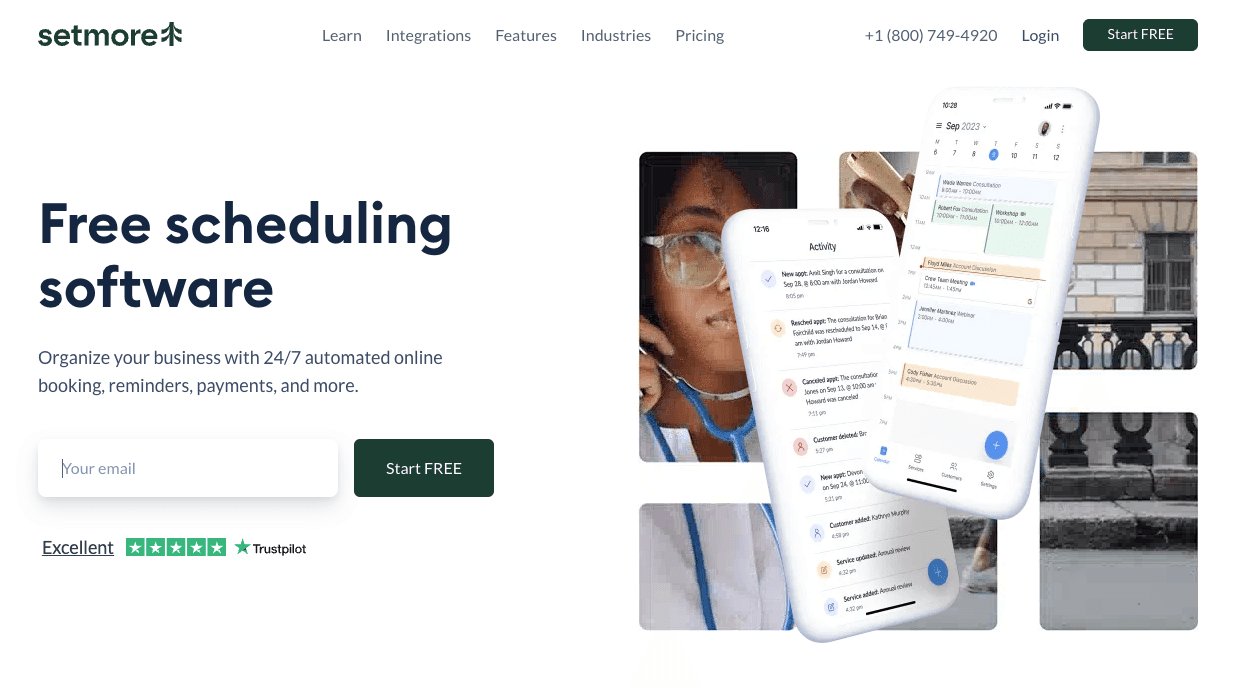
Setmore is great if you're just starting out or running a small team. It is a popular choice for businesses that manage frequent appointments and multiple staff members. Their generous free tier makes it appealing for budget-conscious teams.
Strengths
Free for up to four staff members with unlimited bookings
Connects with payment processors like Square, PayPal, and Stripe
Staff scheduling and resource management
Built-in reminders
Limitations
Online-first experience
Phone scheduling still requires manual handling
🤝 Good fit if: You run a salon, clinic, or similar business where appointment volume is high, budget matters, and you want something affordable and easy to use.
6. Square Appointments
⭐️ Best for: Salons and service businesses using Square
💸 Price: Free for solo users; paid plans for teams
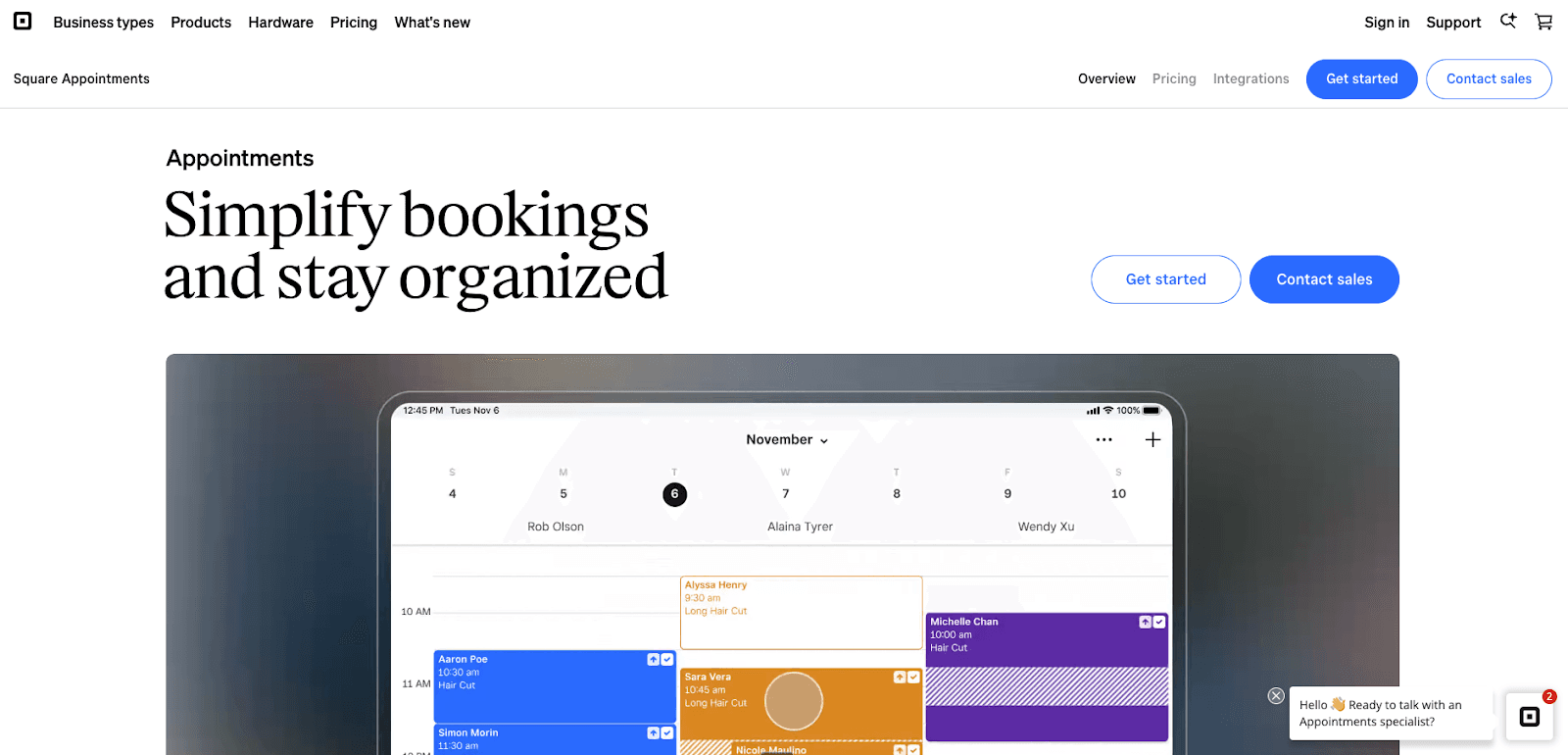
If you're already using Square for payments, Square Appointments is a natural fit. It brings everything together in one place.
Strengths
Built-in payment processing
Free plan for solo operators
Seamless integration with Square POS
Automated text and email reminders
Works for multiple locations
Limitations
Less flexible outside the Square ecosystem
Feature set may feel limited for complex scheduling needs
🤝 Good fit if: You run a salon, spa, or service business and want your booking system and payment system in one place, talking to each other.
7. SimplyBook.me
⭐️ Best for: Medical offices, service businesses that need a lot of customization options, and international and multi-location businesses
💸 Price: From around $9/month
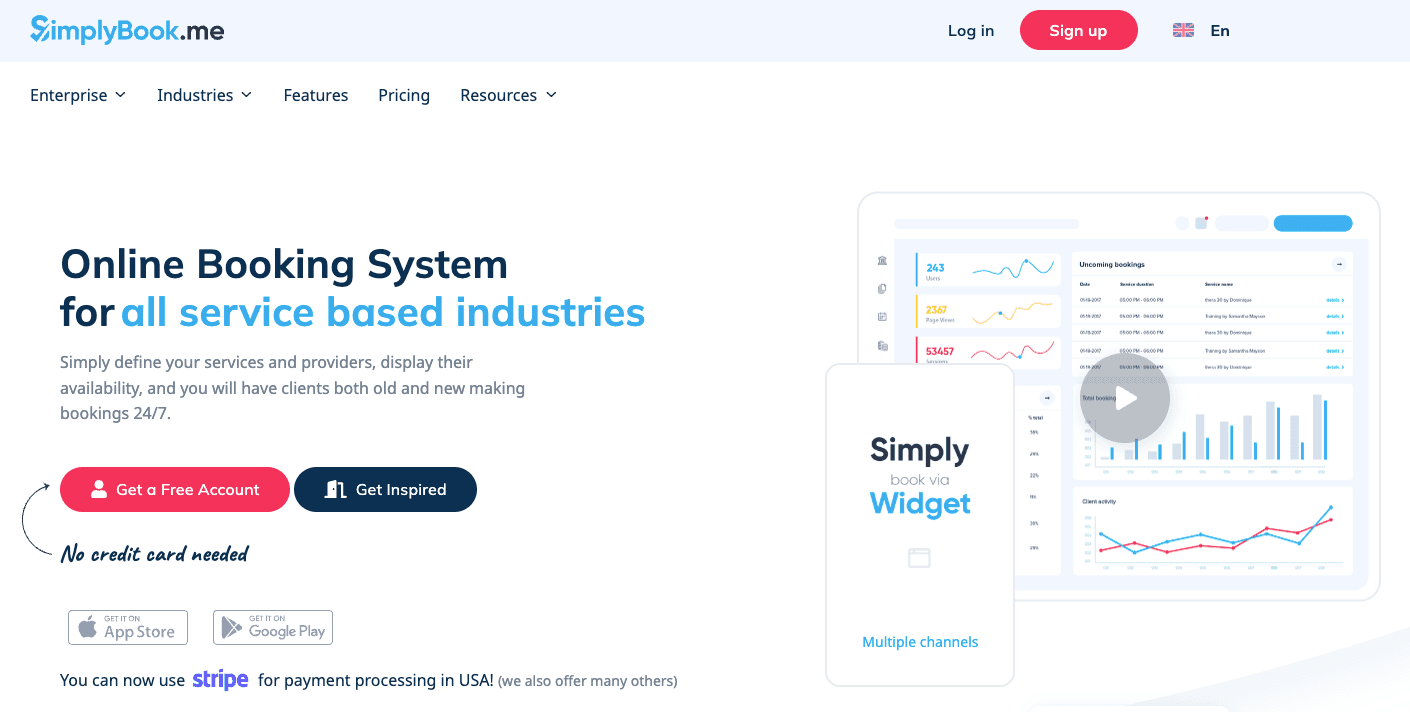
SimplyBook.me is a feature-rich scheduling platform with strong support for international businesses, including multiple languages and custom branding.
Strengths
Multi-language support
Custom branding options
Suitable for international customer bases
Membership setup options
HIPPA compliant
Limitations
Interface can feel busy
Setup may take longer than simpler tools
🤝 Good fit if: You operate internationally or need localization features that other scheduling tools don’t offer.
The problem with online booking alone
These apps are great at what they do. But here's what they can't do: they can't answer your phone.
Think about it. You've got a beautiful booking page set up. But when a customer calls instead of clicking a link, what happens? They get voicemail. They get put on hold. They get frustrated and call someone else. And you just lost a booking.
This is a real problem. According to research, 76% of people still prefer to reach businesses by phone. And here's the kicker: up to 40% of unanswered calls could turn into bookings. That's a lot of lost money.
So you've optimized one channel (online bookings) while completely neglecting the other (phone calls). That's where a lot of small businesses get stuck.
Automate phone bookings with AI-Powered Answering Services
This is where AI answering services come in. These aren't replacements for your scheduling app. They work alongside it to handle the phone side of things.
Instead of customers leaving voicemails, an AI answering service picks up the call, has a real conversation with them, and books the appointment right into your scheduling system. No manual work on your end. No voicemails piling up.
How it works with your existing app
Here's the beautiful part: these tools integrate directly with the apps we just talked about. So when a customer calls and books an appointment, it automatically shows up in your Google Calendar, Calendly, Acuity, or other calendar app. Your team sees it, your reminders go out, and everything stays in sync.
Your online bookings come in through your app. Your phone bookings come in through the AI service. Both end up in the same calendar. Both trigger the same reminders. One system, two ways for customers to book.
What this actually means for your business
The numbers are pretty compelling. When businesses add automated AI answering services to their scheduling setup, they can see up to 50% more bookings and 50% fewer no-shows. For a small business, that can mean real money.
But beyond the numbers, there's something else. When a customer calls and gets an immediate, intelligent response instead of voicemail, they feel like they matter. They're more likely to book, more likely to show up, and more likely to tell their friends about you.
Rosie AI as your phone booking partner
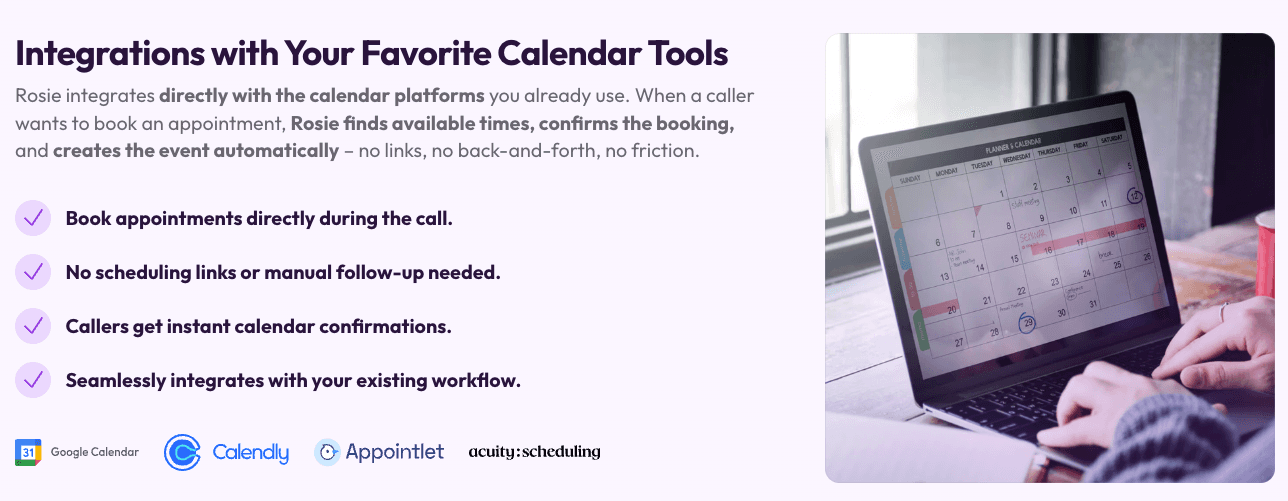
If you're looking to automate your phone bookings, Rosie AI is built to work alongside the scheduling apps we've talked about. It's not trying to replace your Calendly or SimplyBook.me. It's there to handle the calls while those apps handle the online bookings.
Why Rosie AI works well with your scheduling app
👉 It sounds like a real person: Rosie talks like a human, not a robot. It understands what customers are asking for and can answer questions about your business. The conversation feels natural.
👉 It syncs with your calendar: When someone books through Rosie, that appointment goes straight into your scheduling system. No manual entry. No risk of double-booking. Your calendar is always current.
👉 It's available all the time: Your business doesn't close at 5 p.m. for Rosie. A customer can call at midnight with an emergency, and Rosie answers, figures out what they need, and gets them booked. Your team gets notified, and everything's set.
👉 It asks the right questions: Rosie can qualify leads by asking a few questions about what customers need. That way, when your team follows up, they're already prepared and focused on the right opportunities.
👉 It cuts down on no-shows: By confirming details during the call and working with your app's reminder system, Rosie makes it way less likely that customers will forget or cancel.
What this looks like in practice
Let's say you run a plumbing company and you're using Calendly. A customer calls at 9 PM with a burst pipe. Rosie AI picks up, understands it's an emergency, gets their address and phone number, and books them for an emergency appointment the next morning. That appointment shows up in your Calendly immediately. Your on-call plumber gets an alert. The customer gets a text confirmation. And your team keeps working instead of being interrupted by the phone.
Without Rosie, that call probably goes to voicemail. The customer calls someone else. You lose the job.
Putting it all together
Selecting the perfect scheduling app is a critical decision, not a one size fits all choice. The ideal solution for your business depends entirely on your specific industry, team size, and budget. We know that finding that perfect fit is the key to unlocking a truly efficient workflow and reclaiming your valuable time.
Here's how to do it:
Identify your non-negotiables. Before you start browsing, we recommend you list the must have features and software integrations your business relies on daily.
Create a shortlist. From our expert recommendations, select two or three apps that appear to meet your specific needs and budget constraints.
Test with real workflows. Sign up for free trials and actually use them with real booking scenarios. Have colleagues and trusted customers test the booking experience from their perspective.
Consider complete coverage. Evaluate pairing your scheduling app with an AI answering service for small businesses to capture both online and phone bookings for a comprehensive solution.
The right scheduling app pays for itself remarkably quickly through saved time, reduced no-shows, and dramatically improved customer experience. We've seen businesses reclaim 8+ hours per week and significantly increase their booking rates just by automating this single process.
The bottom line
Good scheduling apps take a lot of stress out of managing appointments. But the best small businesses aren't just using one channel. They're using an online app for customers who want to click, and they're using Rosie AI to automate phone bookings for customers who want to call. Together, these tools capture every booking opportunity, keep your team from being interrupted all day, and give your customers the experience they're looking for.
Start with a solid scheduling app. Add Rosie AI to handle the phones. Watch your bookings go up and your headaches go down.