You’re on a job site, your phone rings, and it’s a solid lead. They need help now. You answer with one hand, try to pass them to the office, hit the wrong button, and suddenly the caller is in dead air. Then they’re gone.
That’s how small businesses end up sounding scattered even when they do great work.
A bad transfer doesn’t just feel awkward. It makes callers wonder if anyone’s in charge, and that doubt can cost you the booking. The fix is a simple one: use the right kind of transfer, follow a clean handoff process, and stop relying on guesswork.
In this guide, you’ll learn:
How to transfer calls on iPhone, Android, and desk phones without fumbling the handoff
When to use a blind transfer and when a warm transfer is worth the extra few seconds
How to reduce failed handoffs by using better routing, fallback rules, and automation
If your current call flow feels sloppy, you can set up Rosie here and give callers a more consistent first response.
Table of Contents
The high cost of a bad call transfer

A messy transfer makes a business sound smaller than it is.
Not because you’re disorganized, but because that’s what the caller hears. They hear hold with no explanation. They get sent to the wrong person. They have to repeat the whole problem from scratch. Or worse, the call just drops.
Why callers judge you fast
People don’t separate your phone process from your actual service.
If the transfer is clumsy, they assume the scheduling will be clumsy. If nobody knows who should take the call, they assume the work order will get lost too. That may not be fair, but it’s real.
Jason Aleman of Gutter Cowboy puts it plainly: “It’s almost every day that I lost a job due to not answering the phone. Rosie can take all of those calls and handle them appropriately.”
That line hits because every owner has felt it. One missed or mishandled call can be a quote request, emergency repair, or high-value repeat customer heading somewhere else.
Practical rule: If the caller has to ask, “Hello, are you still there?” your process already feels broken.
Transfers are an operations issue, not just a phone issue
In contact-center analytics, call transfer rate is treated as a routing-quality metric. One widely cited example calculates 150 transferred calls out of 2,000 inbound calls as a 7.5% transfer rate, and industry benchmarks commonly fall in the 5% to 15% range. Higher rates often mean callers are being bounced around more than necessary, which adds friction and raises the risk of dissatisfaction, according to Poly.ai’s explanation of call transfer rate.
That matters even if you run a local service shop, not a formal contact center.
Every unnecessary handoff creates one more chance for confusion, delay, or a lost lead. If you want a useful breakdown of how missed calls turn into lost revenue in a service business, this piece on the cost of missed calls for repair shops is worth reading.
A strong call process does three things well:
Gets the caller to the right person fast
Keeps the context with the call
Has a backup plan when nobody can pick up
If one of those is missing, you’re not really transferring calls. You’re gambling with them.
Blind vs. warm transfer what’s the difference?
The biggest mistake I see is treating every transfer like the same move.
It isn’t. A blind transfer and a warm transfer create completely different experiences for the caller, and the right choice depends on the situation.
What each one actually means
A blind transfer means you send the call to another person or extension without speaking to that person first. It’s fast. It’s useful when you know exactly where the caller belongs and the destination is reliable.
A warm transfer (also called an attended transfer) means you place the caller on hold, speak to the receiving person first, explain the issue, and then connect them.
That extra step often saves the call.
A key detail many guides skip is what the caller experiences during an attended transfer. The caller stays on hold while the first agent talks to the recipient, and depending on the system they may hear silence, hold music, or a ringback tone. The original agent can also cancel the transfer if the recipient isn’t available, which helps prevent dropped calls, as noted in Spectrum VoIP’s attended transfer documentation.
The caller doesn’t care what your phone system calls it. They care whether they got handed off cleanly or dumped.
Use a blind transfer when the issue is simple and the destination is obvious.
Use a warm transfer when the caller is upset, the issue is complicated, money is on the line, or you don’t want them repeating the whole story.
Blind transfer vs. warm transfer at a glance
Feature | Blind Transfer | Warm (Attended) Transfer |
|---|---|---|
Speed | Faster | Slower, but more controlled |
Agent talks to recipient first | No | Yes |
Caller repeats issue more often | Usually | Less often |
Can check recipient availability | No | Yes |
Better for urgent or sensitive calls | Not usually | Yes |
Risk of misroute or voicemail surprise | Higher | Lower |
If you run a field service business, warm transfers are usually worth it for sales calls, complaints, and reschedules.
Blind transfers are fine for clean routing. Warm transfers are for protecting the relationship.
How to transfer a call step-by-step
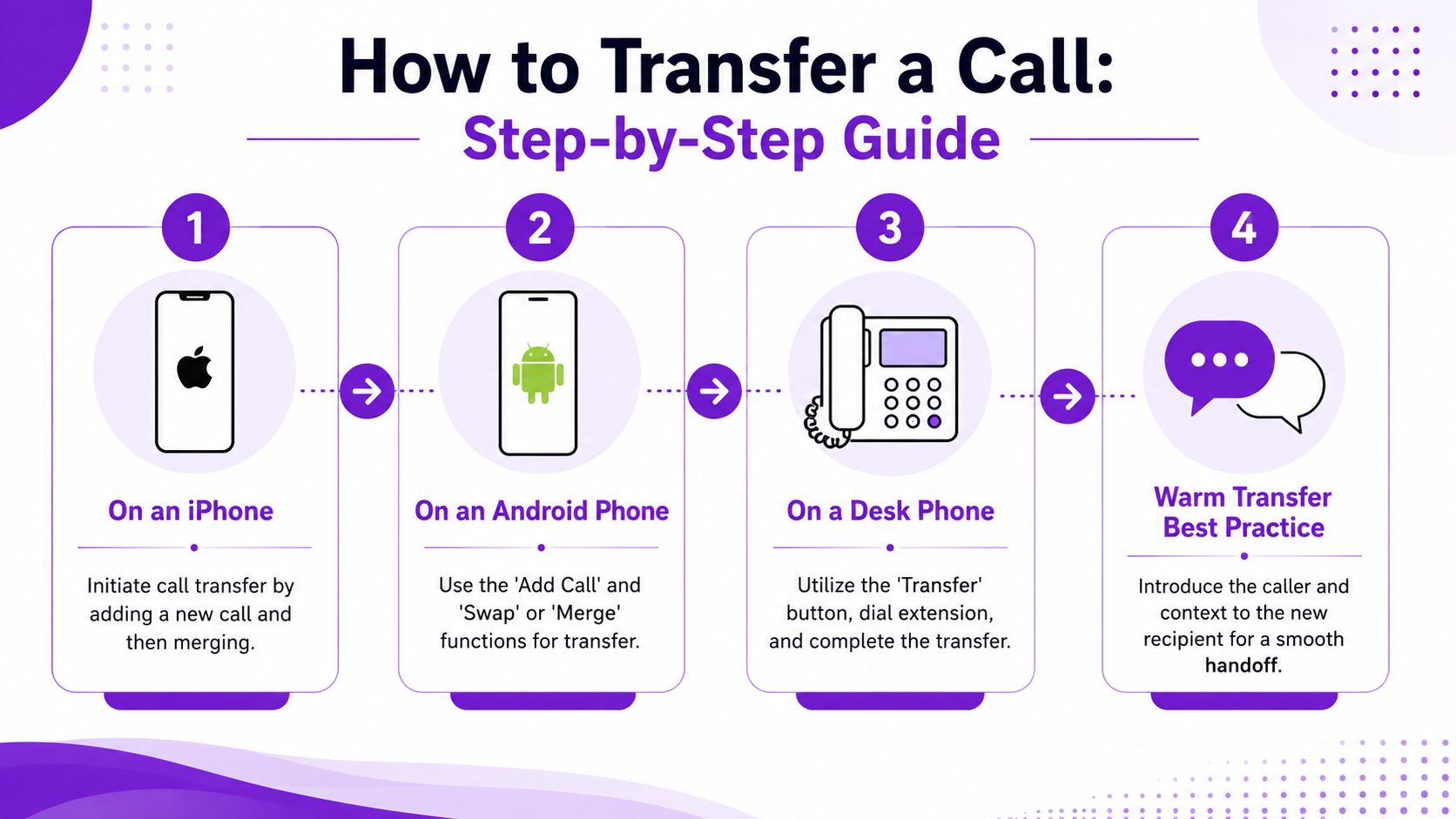
The mechanics depend on the device.
On a desk phone or VoIP platform, transfer is usually an in-call button. On iPhone and Android, what people call “transferring” often means setting up call forwarding rules in phone settings, with options like always, busy, unanswered, or unreachable, as explained in this guide to call transfer mechanics across platforms.
On an iPhone
If you’re using a mobile line, your options may depend on your carrier and model.
For live in-call handling, many businesses use a phone system app rather than the built-in dialer. For forwarding setup on iPhone:
Open Settings.
Find your Phone settings.
Look for Call Forwarding.
Enter the number where calls should go.
Choose the forwarding behavior if your setup supports it.
Some iPhones only support unconditional forwarding in the device interface. If you need rules like busy or unanswered, your carrier may control those.
Run a test call after setup. That step matters because the destination may not ring the way you expect, or the rule may need adjustment.
On an Android phone
Android setups vary by manufacturer and carrier, but the general pattern is similar.
Open the Phone app.
Go into Settings or Call settings.
Find Call forwarding.
Choose the condition you want.
Enter the number and save it.
The useful part on Android is often the conditional logic. You may be able to choose:
Always forward for after-hours or vacation coverage
Forward when busy for sales or service lines
Forward when unanswered if you want a person to try first
Forward when unreachable if signal or device issues happen
That’s where a basic transfer process starts turning into a real call-handling system.
On a desk phone or VoIP system
Most true live transfers happen here.
On many VoIP systems, the usual flow is:
While on the call, press Transfer
Put the caller on hold if needed
Dial the extension or external number
Announce the caller if you’re doing a warm transfer
Complete the transfer
If you’re using a front desk phone, train everyone to slow down for one second before they hit complete. That’s where bad transfers happen.
Test every transfer path before you trust it with live leads.
That means extension to extension, mobile destination, after-hours forwarding, and any backup numbers. If you haven’t tested it, it’s not ready.
If you’re tightening up your phone process overall, it also helps to review your business call handling setup and your after-hours answering workflow so transfers fit into a bigger system instead of standing alone.
Scripts and best practices for a perfect handoff
The buttons matter. The words matter more.
A clean transfer sounds calm, clear, and brief. The caller should know what’s happening, why it’s happening, and who they’re going to. The receiving person should know the issue before they say hello.

A simple script that works
A reliable warm transfer workflow is straightforward: confirm the caller’s need, collect a callback number, tell them they’ll be transferred, brief the receiving agent, then introduce the caller before disconnecting. That approach reduces the chance the caller has to repeat themselves, based on guidance summarized in this warm transfer script resource.
Use language like this:
To the caller:
“Got it. You need help with a leaking water heater, and you’d like to get someone scheduled today. In case we get disconnected, what’s the best callback number? I’m going to connect you with our scheduling team now.”
To your teammate:
“I’ve got Sarah on the line. Water heater leak, wants same-day help, callback number ends in 4821.”
Back to the caller:
“Sarah, I’ve got Jenna from scheduling here with me. She already has the basics, so you shouldn’t need to repeat everything.”
That’s it. Short. Useful. Professional.
What good teams do differently
Bad handoffs leave the next person to figure it out live.
Good handoffs give just enough context to keep the call moving. If your team struggles with that, role-play it. Even a short internal training library can help. This guide on how to enhance agent skills with video has practical ideas for turning phone standards into repeatable habits.
Derek Goodson, Founder of Next-Level Marketing Agency, said it well: “She doesn’t just take a name and number, she asks the right questions about what services they need… By the time I call them back, I already know exactly what they’re looking for and can jump straight into offering solutions instead of spending 10 minutes on discovery. It’s turned every callback into a warm conversation, and that’s helped me maintain my 95%+ conversion rate on consultations.”
That quote is about qualification, but the lesson applies to transfers too. Better context creates better conversations.
A few habits make a big difference:
Explain the reason for transfer: Don’t move the call without informing the caller.
Name the person or team: Callers relax when they know who’s next.
Get a callback number first: This saves you when the handoff fails.
Stay on briefly: A few seconds confirms the transfer worked.
If your team needs help with the front-end tone before the transfer even starts, this guide on how to answer the phone professionally is a good place to tighten that up.
How Rosie automates your call transfers
Manual transfers break down when everyone’s busy.
That’s the issue for contractors, shop owners, and field teams. The phone rings while someone’s under a sink, on a ladder, driving between jobs, or talking to another customer. In that moment, the question isn’t just how to transfer calls. It’s whether a live transfer is even the right move.
The real upgrade is better routing
A lot of small businesses don’t need more transfers. They need fewer bad ones.
That’s where fallback routing matters. Advanced setups can use rules like forwarding only when a call goes unanswered or sending the call to an external number if someone is busy. For many small businesses, that kind of fallback handling preserves more leads than forcing a live handoff that may fail, as described in this overview of transfer-to-voicemail and fallback routing.
That’s also why owners start looking at tools like intelligent call routing instead of relying on one receptionist or one cell phone.
Where automation helps small teams most
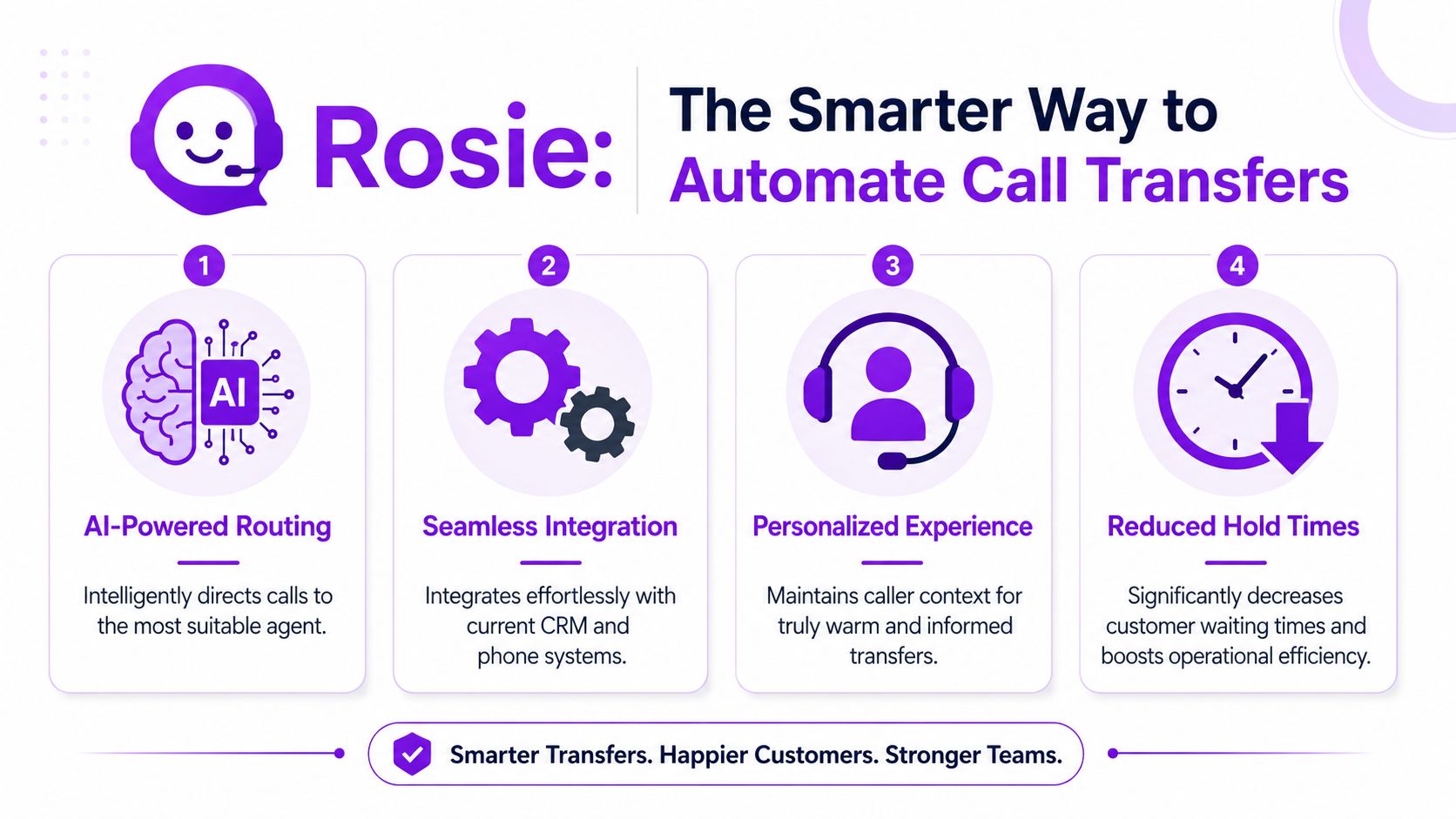
Rosie is one option for this kind of setup. It’s an AI-powered answering system that can answer questions using your business knowledge, qualify leads, book appointments, and transfer priority calls when a transfer makes sense. It can scan your website or Google Business Profile, use your FAQs and scenarios, and give your team the context they need instead of just dumping calls through.
For field-heavy businesses, that often solves the underlying problem better than pure forwarding.
Francisco Fierro, Owner of Iron Volt Electric, said: “Before Rosie, missed calls meant missed jobs. When the crew is out in the field all day, no one can stop to answer the phone… Now I don’t have to stress about missed calls. Rosie picks up automatically so every caller gets a response even when we’re tied up on a job.”
Edgar Quinteros, Owner of The Copier Guy, put it this way: “Before the app I was stressed out on what spam calls were calling or if I missed any calls during a job. Now I can focus on my customers and don’t have to miss any important calls.”
The practical win is simple:
Routine questions get answered
Good leads get qualified
Appointments can get booked
Priority callers can still reach a person
Failed live handoffs don’t have to mean a lost opportunity
That’s a better system than telling every caller, “Hang on, let me see if someone’s available.”
Stop fumbling calls and start growing your business
A good transfer makes your business sound buttoned-up.
A bad one makes you sound rushed, scattered, and harder to trust. That’s why this matters. It isn’t just phone etiquette. It’s sales, customer experience, and day-to-day operations wrapped into one small moment.
If you’ve got the right setup, callers get answers faster, your team wastes less time repeating the same information, and fewer leads slip through the cracks. That can mean cleaner scheduling, fewer dropped conversations, and a better first impression every time the phone rings.
You don’t need a complicated process.
You need a clear one, tested on your devices, backed by a real fallback plan, and built for how your business runs. If you want that in place now, you can create your Rosie account and start tightening up call handling without adding more chaos to your day.
Frequently asked questions
What if the person I’m transferring to doesn’t answer?
Don’t leave the caller hanging and hope for the best. If you’re doing an attended transfer, check availability first when your system allows it. If the recipient doesn’t answer, come back to the caller, explain what happened, and offer the next best option.
That next option might be a callback, voicemail, another team member, or a booking link. The mistake is treating a failed transfer like the end of the conversation.
Can I send a call straight to voicemail?
Yes, on many business phone systems you can route a call directly to voicemail, and that can be smarter than forcing a live transfer to someone who’s unavailable. This is especially useful when the right person is already on another call or out in the field.
For a broader look at how forwarding rules fit into that, it helps to understand what call forwarding is. Different devices and carriers support different rules, so test your exact setup before you depend on it.
Is call forwarding the same as transferring a call?
Not really. A transfer usually happens during a live call. Forwarding is a rule that reroutes incoming calls based on conditions like always, busy, unanswered, or unreachable.
That difference matters because a lot of owners think they need better transfers when what they really need is smarter forwarding. If the right person can’t reliably answer, fallback routing is often the cleaner fix.
If you want a cleaner way to qualify callers, answer common questions, book appointments, and route priority calls without all the manual handoffs, take a look at Rosie.