The phone rings while you’re under a sink, on a roof, in court, or walking a property with a client. It rings again while your office line rolls to voicemail. By the time you check it, the caller has already moved on to the next business on Google.
That’s the part of customer service people like to skip.
For a lot of service businesses, customer service doesn’t break down because your team is rude. It breaks down because nobody can answer fast enough, capture enough detail, or follow through consistently when the day gets messy. The fix usually isn’t “try harder.” It’s building a system that answers, qualifies, routes, books, and documents without dropping the ball.
That’s where the best strategies for customer engagement start paying off in practice.
In this guide, you’ll get:
Practical ways to stop losing leads when you can’t answer live
A clear playbook for using AI tools without making service feel robotic
Specific ideas to tighten follow-up, booking, routing, and handoffs
If you want to see what that looks like in practice, you can create a Rosie account and test how AI call handling fits your business before rebuilding your whole front desk.
Table of Contents
Pain
Why good businesses still lose customers
A lot of owners think customer service is mostly about attitude. That matters, but it’s not the full story.
A plumbing company can do great work and still lose jobs because nobody answered at 6:40 p.m. A law office can have smart attorneys and still frustrate leads because intake is slow. A property manager can care deeply about tenants and still create a bad experience through repeated handoffs.
That’s the pain point.
You’re not just competing on quality of work. You’re competing on response time, clarity, and how easy you are to do business with.
Good service starts before anyone on your team says hello. It starts when the customer decides whether contacting you feels easy or annoying.
This is why customer service became a business issue instead of just a support issue. Industry discussion has long pointed out that for every $1 spent on improving customer experience, companies can see about a $3 return, and large companies have been reported to save up to $60 million annually when managers move teams into the top quartile of engagement, according to this customer service training discussion.
For a local service business, the exact math will look different. The lesson is the same. Better service affects revenue, retention, and wasted effort.
Agitation
What missed calls actually cost you operationally
The obvious loss is the lead you never got back.
The less obvious loss is the mess that follows. Your team spends the next morning listening to voicemails, texting for details, chasing half-complete messages, and trying to figure out which calls were urgent, which were spam, and which ones were ready to book.
That creates friction everywhere.
Customers repeat themselves. Schedulers guess. Techs show up without enough context. Sales calls get mixed with support calls. Nobody has a clean record of what was said.
One of the most useful shifts in service operations is moving from gut feel to actual measurement. Practical guidance recommends tracking a small set of key service numbers, typically 3 to 5 critical KPIs reviewed weekly or monthly, so teams can catch patterns in complaints, bottlenecks, and customer behavior before they snowball.
What usually doesn’t work
A few common fixes sound good but don’t hold up:
Hiring one person and hoping they cover everything: Phones, booking, intake, spam, follow-up, and after-hours overflow are too much for one seat.
Letting everything go to voicemail: Voicemail stores problems. It doesn’t solve them.
Using scripts that sound stiff: Customers can tell when answers are generic.
Adding more tools without shared data: If sales, support, and scheduling all live in separate systems, context gets lost.
Centralizing customer data into one shared place helps teams move faster and avoid that context loss, especially when responses and routing depend on customer history, service details, or behavior signals, as described in this overview of customer data centralization.
Solution
1. 24/7 Availability and Round-the-Clock Call Coverage
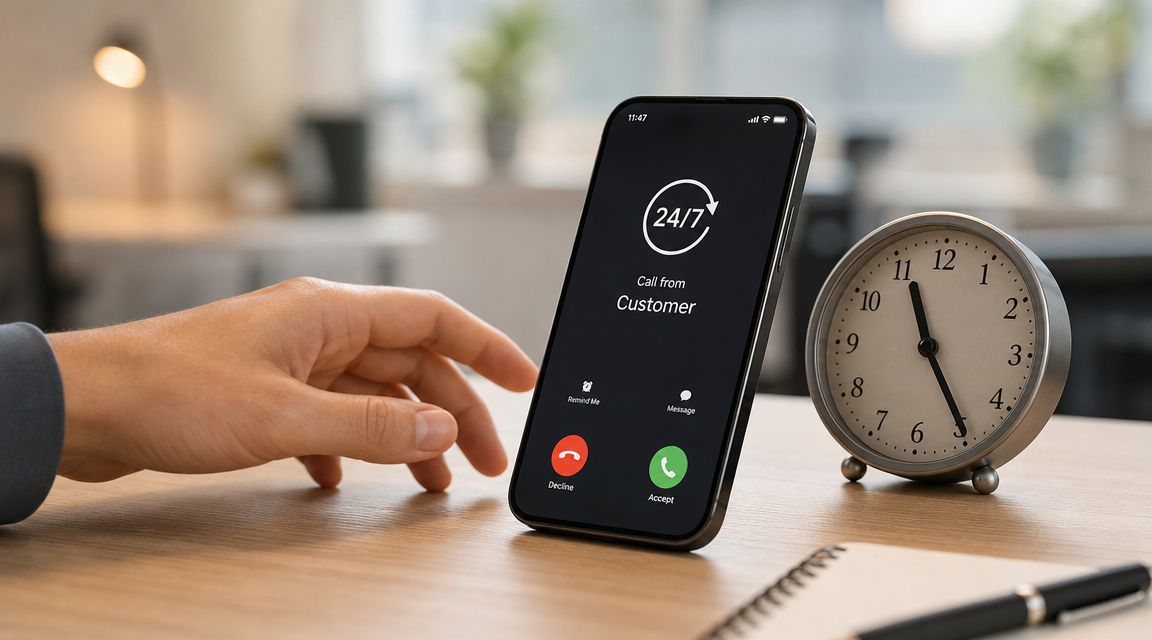
If you run a service business, after-hours coverage isn’t a nice extra. It’s part of basic accessibility.
Emergency plumbing calls happen at night. HVAC issues show up on weekends. Prospects call law offices after work. Tenants don’t save maintenance issues for business hours. If no one picks up, many callers won’t wait around.
Jason Aleman of Gutter Cowboy put it plainly: “It’s almost every day that I lost a job due to not answering the phone. Rosie can take all of those calls and handle them appropriately.”
That’s one reason a lot of owners start with live call coverage first. It solves the most expensive failure point fast.
For businesses that rely on local leads, 24/7 availability in real estate makes the same point. The customer contacts the business when they’re ready, not when your team is free.
You see a similar need in other service-heavy industries, including GEO for hoteliers, where availability shapes whether inquiries turn into actual bookings.
Build after-hours rules before you turn anything on
Round-the-clock coverage only works when the system knows the difference between urgent and routine.
Define emergencies clearly: Water leak, no heat, lockout, active safety issue, and similar cases need a different path than “I need a quote.”
Set transfer thresholds: Decide what gets transferred now, what gets logged for morning, and what triggers a text alert.
Review recordings and transcripts: Don’t assume the setup is right forever. Check real calls and tighten the rules.
Francisco Fierro of Iron Volt Electric said, “Before Rosie, missed calls meant missed jobs. When the crew is out in the field all day, no one can stop to answer the phone… Now I don’t have to stress about missed calls. Rosie picks up automatically so every caller gets a response even when we’re tied up on a job.”
2. AI-Powered Personalized Customer Interactions
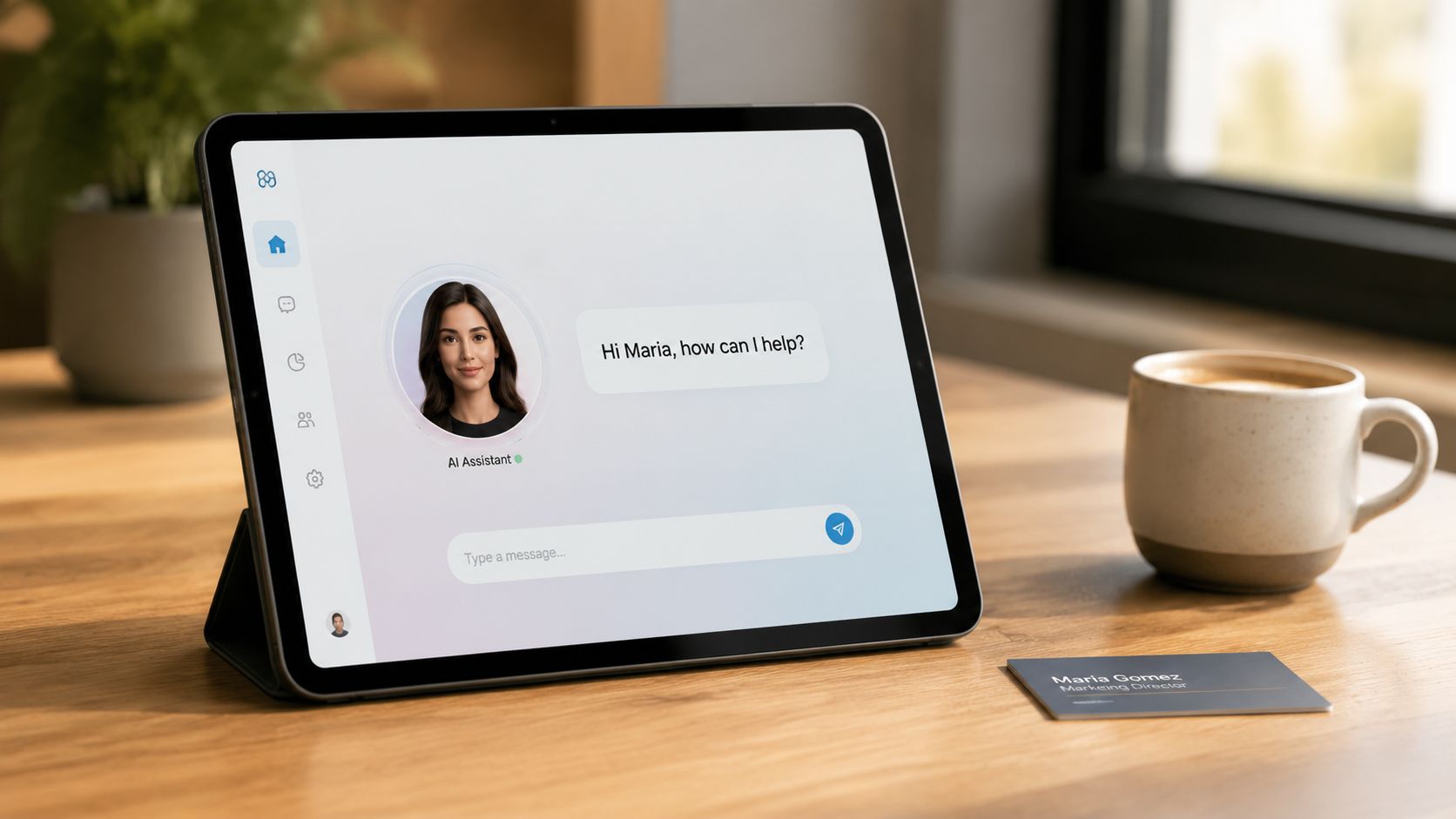
A caller says, “My tenant says the panel is smoking and I need someone today.” Another says, “Do you handle soft washing for stucco, and what’s your pricing like?” If your AI responds to both with the same flat script, it doesn’t help your team. It just adds friction.
Personalized AI works when it sounds like your front office on a good day. It should recognize the difference between an urgent job, a routine estimate, and a customer who just needs a straight answer before deciding whether to book. For busy service owners, that matters because the phone usually rings when nobody has time to coach a caller through basic questions.
That’s why training matters more than the voice itself. Rosie gets better results when it pulls from your website, service details, FAQs, and the exact situations your staff handles every week. A plumbing company needs different answers than a law office. An HVAC shop needs different language in July than it does in October.
Train the tool on how your business actually talks
Generic setup gives generic service. Specific setup gives useful conversations.
Load real business details: Service area, job types, office hours, financing options, warranty terms, and how you handle estimates.
Use the language your customers use: Homeowners say “AC quit,” not “cooling system malfunction.” Landlords ask differently than owner-occupants. Your AI should reflect that.
Add tone and policy rules: Decide how it should respond to upset callers, price shoppers, and existing customers asking for updates.
Review sentiment, not just transcripts: Tools built on modern sentiment analysis approaches can help you spot where callers sound anxious, frustrated, or ready to buy, so you can tighten scripts and escalation rules.
I’ve seen this make a real difference with trades businesses. A roofer might want the AI to ask about leak timing, active interior damage, and insurance involvement. A power washing company might want it to explain the difference between house washing and concrete cleaning without sounding like it’s reading a brochure. That’s personalization. Not “Hello, valued customer.”
If you want to see how this works in practice, conversational AI for customer service is the right category to study.
Ford Wright from Pacific Power Washers said, “We have tried other AI receptionists, but they sounded robotic and worse, misspelled contact info, making it worthless.”
That’s the trade-off. AI can save time and improve the customer experience, but only if it’s trained well enough to sound informed, read the caller’s intent, and capture details your team can use.
3. Intelligent Call Routing and Qualification
A lot of calls should never hit your owner’s cell phone.
Not because they aren’t important. Because they aren’t the right use of that person’s time.
Routing and qualification help sort calls into useful lanes. Emergency service gets escalated. New estimate requests get qualified. Existing customers with billing questions get documented and assigned. Spam gets filtered out. That’s how you keep the team focused without making customers feel brushed off.
Route by urgency, not by whoever happens to answer
The old way is random. Whoever hears the phone first picks up.
The better way is structured. Intelligent call routing lets you send the right conversation to the right person based on issue type, urgency, or caller intent.
Practical rule: Build routing around decision points your team already uses in real life. New lead or existing customer. Emergency or routine. Book now or needs callback.
Derek Goodson, Founder of Next-Level Marketing Agency, explained why qualification matters: “She doesn’t just take a name and number, she asks the right questions about what services they need… By the time I call them back, I already know exactly what they’re looking for and can jump straight into offering solutions instead of spending 10 minutes on discovery. It’s turned every callback into a warm conversation, and that’s helped me maintain my 95%+ conversion rate on consultations.”
What doesn’t work is overcomplicating the tree. If your routing rules need a cheat sheet, they’re too complex. Keep them simple enough that your team can trust them.
4. Appointment Booking and Scheduling Automation
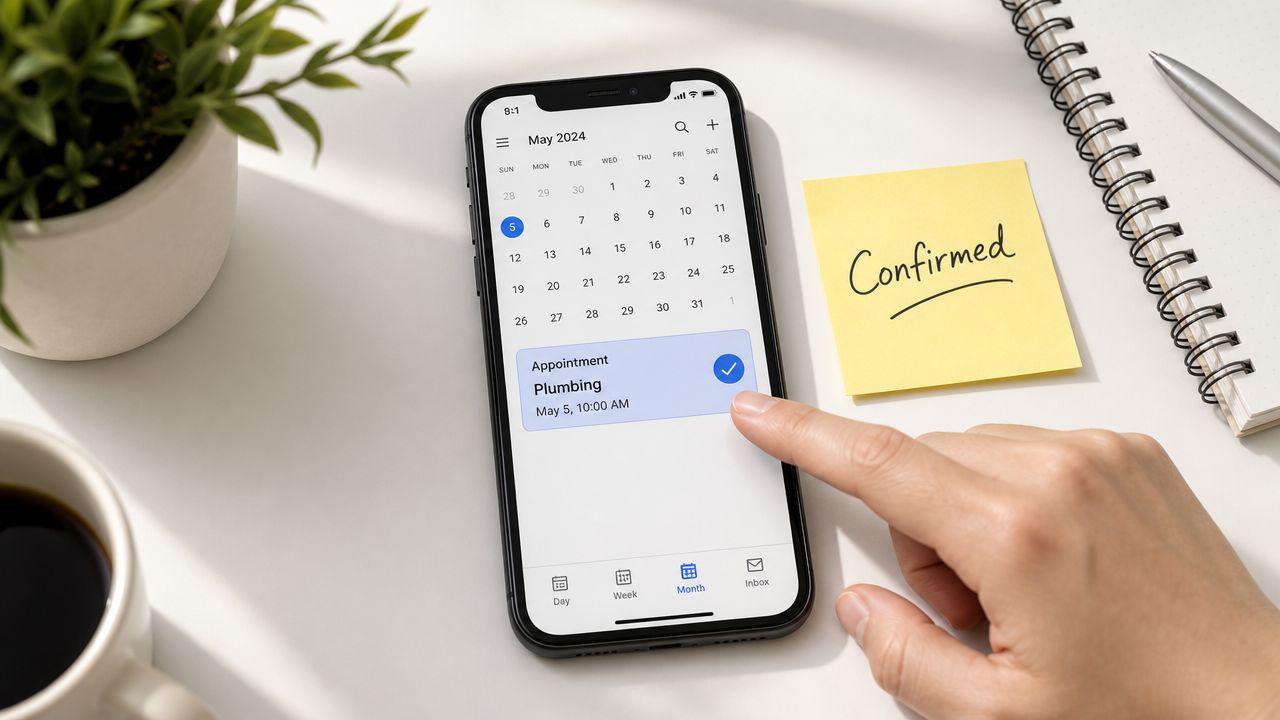
Booking is where a lot of customer service breaks down. Not because the team is careless. Because calendars, technician availability, travel time, and job type all have to line up at once.
If a customer is ready to schedule and your process makes them wait, you’ve introduced friction at the exact wrong moment.
Automation helps because it removes back-and-forth for routine bookings. A caller can ask for availability, choose a time, get confirmation, and move on. Your team stays focused on jobs that need judgment.
Booking should remove friction, not create calendar chaos
Scheduling automation works best when the calendar is clean and the rules are tight.
Use real availability: Don’t offer slots your team can’t honor.
Build buffers into the schedule: Travel, cleanup, and overrun time are real.
Separate job types: A consultation, an estimate, and an emergency visit shouldn’t all use the same booking logic.
Make rescheduling easy: Customers care less about perfection than clarity.
Jason Aleman described the customer experience this creates: “People tell me all the time, you’re really easy to do business with. I called, I got the link sent to me, the pricing was there, I booked an appointment and you showed up to the job.”
That’s not flashy. It’s just smooth. And smooth usually wins.
5. Real-Time Communication and Instant Notifications
When someone calls about a burst pipe, “we’ll see it later” is not a service strategy.
Real-time alerts matter because your team is mobile. Techs are driving. Agents are in meetings. Owners are on jobs. You need the important stuff pushed out fast, without forcing everyone to sit at a desk.
This is one of the simplest ways to improve customer service because it shortens the gap between customer need and team action.
Alerts only help if they carry context
A notification that says “new call” isn’t enough. Your team needs to know who called, why they called, and whether it’s urgent.
Good alerting should include:
Caller summary: Name, issue, service need, and best callback number
Priority signal: Emergency, hot lead, current customer, or non-urgent request
Next action: Call back, transfer now, book, or review later
Dean Konstantine of McKnight said, “What we love most is how it captures every call and delivers both a full dialog transcript AND the actual recording straight to us. No more wondering what was said or missing important details. Everything is documented perfectly, every time.”
That kind of detail changes how fast your team can respond. It also cuts down on awkward callbacks where the customer has to start over from scratch.
6. Comprehensive Message Capture and Documentation
A short message like “call me back” is almost useless.
Your team needs enough detail to act without guessing. That means the issue, the urgency, the location if relevant, the preferred callback method, and any special notes that affect the next step. In law, that might be intake details. In HVAC, it might be whether the unit is fully down. In property management, it might be whether the issue affects habitability.
Good notes save callbacks and prevent mistakes
Documentation sounds boring until you’ve had three people touch the same customer and nobody knows what happened.
Mitchell Bank of Military Cruise Deals said, “After trying several other options, Rosie has been by far the most reliable and helpful for our business. It handles calls smoothly, saves us an incredible amount of time, and gives our customers a great first impression. Even our customers regularly comment on how much they like it.”
That reliability usually comes from consistency, not personality.
Try a simple documentation standard:
Identify the caller clearly: Full name, best number, and whether they’re a new or existing customer
Capture the reason for contact: Quote request, service issue, scheduling, billing, or urgent repair
Add the needed next step: Transfer, callback, appointment link, or same-day review
If your team can’t tell what to do from the note alone, the note isn’t finished.
This is also where AI can reliably outperform rushed humans. It doesn’t get distracted, and it doesn’t forget to ask the last question.
7. Multilingual Customer Support English and Spanish

If part of your market speaks Spanish and your phone flow only works in English, you’re creating friction before the conversation really starts.
For many home service businesses, real estate teams, and local offices, bilingual support isn’t about expansion plans. It’s about serving the market you already have more respectfully and more clearly.
Bilingual support has to sound natural
This isn’t just a translation setting.
You need the right terminology, the right voice, and a handoff plan if the call becomes more complex. English and Spanish support works best when both the AI layer and at least part of the human follow-up path can handle the conversation cleanly.
Edgar Quinteros of The Copier Guy said, “The response with callers is so real, sometimes customers don’t know it’s AI.”
That’s the standard. Not perfect translation. Natural conversation.
A few practical points matter:
Use the words your customers use: Industry terms vary by region.
Match transfers to actual language ability: Don’t promise bilingual support if the handoff breaks in the middle.
Mention it in your marketing: If you support English and Spanish, say so on your website and listings.
This is one of the fastest ways to improve customer service for diverse local markets because it removes confusion at the first touchpoint.
8. Website Integration and Lead Capture Optimization
Your phone system matters. Your website matters too.
A lot of customers don’t start with a call. They hit your site after finding you on Google, skim a few pages, and decide in seconds whether reaching out feels easy. If the only option is a generic form, you’ll lose some of them.
Catch people while they’re still ready to buy
Good lead capture meets people at the moment of intent.
That can mean click-to-call, website texting, short quote forms, or chat that hands off to text. The key is making the next step obvious and low-friction. Rosie’s Website Texting is built for that kind of handoff, where a visitor can move from browsing to a live SMS conversation without waiting around.
Cody from Botanical Property Management & Invest St. Louis said, “It has taken the human aspect out of it when fielding calls, allowing for our team to focus on building and growing our companies.”
There’s a trade-off here. More entry points can create more noise if they all dump into separate inboxes.
Use one shared workflow for web leads, calls, and texts whenever possible. That way your team isn’t hunting through different tools trying to piece together one customer conversation.
9. Continuous Training and Knowledge Refinement
No customer service setup stays good on autopilot.
Services change. Pricing changes. Staff changes. Customers start asking new questions. If the system isn’t updated, even a strong setup gets stale and starts giving half-right answers.
Review a few numbers that actually matter
You don’t need a giant dashboard. In fact, too many numbers usually distract small teams.
Practical service guidance emphasizes tracking a small handful of KPIs and reviewing them on a weekly or monthly rhythm so you can catch friction early. That same guidance also points to data analytics as the tool for spotting complaint patterns, service bottlenecks, and customer behavior trends before they become bigger problems. I’d keep the list simple: missed calls, repeat contacts, transfer rate, booking completion, and resolution speed.
Review transcripts alongside the numbers. Metrics tell you where to look. Conversations tell you what to fix.
Daniel Terner of Terner Elder Law, P.L. said, “It can’t be easy to develop a product that is both super-configurable yet also easy to use, Rosie strikes this balance extremely well. My clients are happy and I’m happy, it’s a win/win.”
That balance matters. A system should be easy enough to maintain, or it won’t get maintained.
10. Seamless Handoff and Team Integration
A missed call hurts. A bad transfer is worse.
In service businesses, the handoff is the moment where customers decide whether your company has its act together. The AI answers the phone, gathers the details, and calms the caller down. Then the office manager, dispatcher, or tech steps in. If that second step is messy, the first one barely counts.
This problem shows up every day in the trades. A plumber on a job gets a call forwarded from the AI receptionist but has none of the job details. An HVAC office sees a message come through, but the urgency level is unclear. An electrician calls the customer back and asks the same questions they already answered two minutes earlier. That’s how good leads cool off and frustrated callers start shopping around.
The handoff needs ownership, context, and speed
A useful setup does three things well.
Assign one owner after the transfer. The customer should know who has the next move.
Send the full context with the call or message. Reason for call, urgency, address, service type, and any notes need to land with the team immediately.
Set clear rules for what stays with AI and what goes to staff. New lead, emergency repair, billing issue, reschedule request, and complaint should not all follow the same path.
That sounds simple. It usually isn’t.
The trade-off is speed versus overload. If every call gets pushed to your team with full alerts, people start ignoring notifications. If the AI holds too much, urgent jobs wait too long. The right setup filters routine traffic, then passes high-value or time-sensitive calls to the right person with enough detail to act fast.
I’ve seen this work best when the handoff is tied to the way the business already runs. A roofing company may want storm-damage leads sent straight to sales during business hours and logged for callback after hours. A plumbing shop may want leak calls escalated immediately but drain-cleaning requests booked automatically. A landscaping company may want estimate requests routed one way and existing-customer service issues another.
Build the handoff around field reality
Front office teams and field crews don’t need more software noise. They need clean information they can use.
A practical handoff process usually includes:
A short intake summary the team can read in seconds
A tagged priority level so urgent issues stand out
A destination rule for who gets what, by role or schedule
A callback standard so no one wonders who’s following up
A closed-loop note confirming the customer was contacted
That last one matters more than people think. Plenty of owners assume follow-up happened because the message was delivered. Delivery isn’t the same as action.
Daniel Oehl of Snap Fitness said, “I have had multiple people call in to test Rosie and they all think she is much better than a real receptionist.”
That kind of first impression helps. But it only pays off when your staff gets the right information fast and can pick up the conversation without making the customer start over.
10-Point Customer Service Features Comparison
If you’re choosing between service tools while calls keep coming in, this table helps you cut through feature lists and focus on what changes day-to-day operations. A plumber missing after-hours leak calls needs something different from a business specializing in outdoor services trying to book more estimate requests without tying up the office.
Use this as a working shortlist, not a beauty contest. The right setup depends on call volume, job urgency, how your team handles follow-up, and whether you need AI to answer, qualify, book, or just pass clean information to staff.
Feature | 🔄 Implementation Complexity | 💡 Resource Requirements | ⚡ Speed / Efficiency | 📊 Expected Outcomes | Ideal Use Cases |
|---|---|---|---|---|---|
24/7 Availability and Round-the-Clock Call Coverage | Low–Medium: AI setup, staffing rules | Moderate: AI, hosting, monitoring | ⚡ High: immediate coverage | 📊 ⭐ Fewer missed leads, stronger reliability | Emergency services, hospitality, property mgmt., law firms |
AI-Powered Personalized Customer Interactions | Low: data upload and initial training | Low–Moderate: business data, model tuning | ⚡ Medium–High: automates routine questions | 📊 ⭐ Better first-contact resolution and consistency | Retail, salons, real estate, frequent FAQs |
Intelligent Call Routing and Qualification | Medium: rules setup and testing | Moderate: routing engine, rule maintenance | ⚡ High: reduces wasted time | 📊 Better lead qualification, improved productivity | HVAC, legal, property management, support teams |
Appointment Booking and Scheduling Automation | Low–Medium: calendar/API integration | Moderate: calendar systems, API work | ⚡ High: instant booking and reminders | 📊 Increased bookings, fewer no-shows | Salons, medical, HVAC, real estate showings |
Real-Time Communication and Instant Notifications | Low: notification setup and app access | Low: SMS/email services, mobile app | ⚡ Very High: immediate alerts | 📊 Faster response times, improved coordination | Field teams, multi-location businesses, on-call services |
Detailed Message Capture and Recordkeeping | Low: transcription and storage setup | Moderate: storage, CRM integration, security | ⚡ Medium: faster follow-up | 📊 Better tracking, accountability, and reporting | Legal, services with recurring requests, CRM-driven teams |
Multilingual Customer Support English and Spanish | Low–Medium: localization and training | Moderate: bilingual data, voice models | ⚡ Medium: reduces language friction | 📊 Expanded reach, improved satisfaction | Diverse regions (CA/TX), hospitality, metropolitan services |
Website Integration and Lead Capture Optimization | Medium: web development and profile integrations | Moderate: developer time, analytics tools | ⚡ High: captures intent in real time | 📊 More conversions, lower contact friction | Businesses with strong online discovery (real estate, plumbing) |
Continuous Training and Knowledge Refinement | Low–Medium: ongoing review processes | Moderate: staff time, analytics tooling | ⚡ Long-term gains: gradual improvement | 📊 ⭐ Higher accuracy and service quality over time | Any AI-enabled support team seeking improvement |
Smooth Handoff and Team Coordination | Medium: process design and training | Moderate: context transfer tools, training | ⚡ High when configured: smoother transfers | 📊 Improved continuity, fewer repeat explanations | Complex support, sales handoffs, emergency escalations |
Final thoughts
The best ways to improve customer service usually aren’t dramatic. They’re operational.
Answer the call. Capture the details. Qualify the lead. Book the appointment. Route urgency correctly. Keep your team informed. Make handoffs clean. Review what’s breaking and tighten it up before it becomes normal.
That’s the playbook.
For small service businesses, the bottleneck is often availability. You’re on jobs, in the truck, with clients, or handling work that can’t be interrupted. So customer service has to work even when you can’t. That’s why AI tools are becoming so useful in this category. Not because they replace good people, but because they cover the moments your people physically can’t.
The mistake is treating AI like a magic switch. It isn’t. If the setup is vague, the experience will be vague. If the routing rules are sloppy, customers will feel it. If your team ignores transcripts and notifications, you’ll still have dropped balls. Good systems need clear rules, current business knowledge, and regular review.
The upside is real when you get it right.
Customers feel like you’re easy to reach. Your staff gets fewer interruptions and better context. Your callbacks start warmer because the first conversation already did some of the intake work. And your service quality becomes more consistent across busy days, weekends, and after-hours calls.
That consistency matters more than polished slogans.
If you’re improving customer service for a field-based business, start with the highest-friction points first. Missed calls. Incomplete messages. Slow follow-up. Hard-to-book appointments. Confusing transfers. Those are the places where buyers leave and current customers lose patience.
Rosie is one option built for that exact problem set. It answers calls around the clock, uses your business information to answer questions, captures detailed messages, can book appointments, and transfers priority calls when needed. For a lot of local businesses, that’s a practical way to tighten service without adding more admin work to an already full day.
CTA
A missed call at 4:45 p.m. often turns into tomorrow’s lost job.
If that keeps happening, fix the phone gap before you add more marketing, hire another CSR, or ask the field team to call people back between jobs. Better customer service starts with a simple outcome: customers can reach you, get a clear answer, and move to the next step without waiting on your schedule.
Rosie is built for that workload. It can qualify new leads, answer routine questions, book appointments, and pass urgent calls to the right person so your crew can stay on the tools instead of playing phone tag.
If you want a practical way to tighten service without adding more admin overhead, take a closer look at Rosie.
FAQ
What’s the fastest way to improve customer service in a small business
Fix the phone first.
For most service businesses, the fastest win is closing the gap between an incoming call and a real response. A missed call from a homeowner with a plumbing leak, broken AC, or urgent electrical issue rarely waits around. They call the next shop. Better call coverage, cleaner intake, and faster follow-up usually improve service faster than rewriting scripts or sending another survey.
Can AI actually improve customer service without sounding robotic
Yes, if it’s trained on how your business works.
A generic setup gives generic answers. A useful one knows your service area, job types, pricing boundaries, office hours, booking rules, and what counts as urgent. I’ve seen this work well for busy trades teams because the AI handles the same repetitive questions that keep interrupting the office, while the owner or dispatcher still steps in for edge cases, upset customers, or anything that needs judgment.
How do I know whether customer service is getting better
Start with operating signals, not just satisfaction scores.
Check whether fewer calls are going unanswered, whether leads are getting booked faster, whether customers need to repeat themselves, and whether your team is spending less time chasing basic details. Then review actual call transcripts or message logs. That’s usually where you spot the core friction, such as bad routing, unclear answers, or booking requests that stall out before they hit the calendar.
What should an AI receptionist handle versus a real person
Give AI the repeatable work. Keep people on the exceptions.
That usually means AI handles first-response calls, common service questions, lead capture, basic qualification, appointment requests, and after-hours coverage. Your staff should take over when a caller is angry, the job is unusual, pricing needs discussion, or the situation could turn into a high-value sale. The best setups use Rosie as the front line and your team as the closer, not as a replacement for human judgment.